Unreal Engine 5 plugin
Textures that never
run out of detail.
Where the camera magnifies a texture beyond its real resolution, DeepTexel builds new detail on the GPU from the texture's own finer regions, up to 1,024×, only where you look.
Side by side
Drag to compare
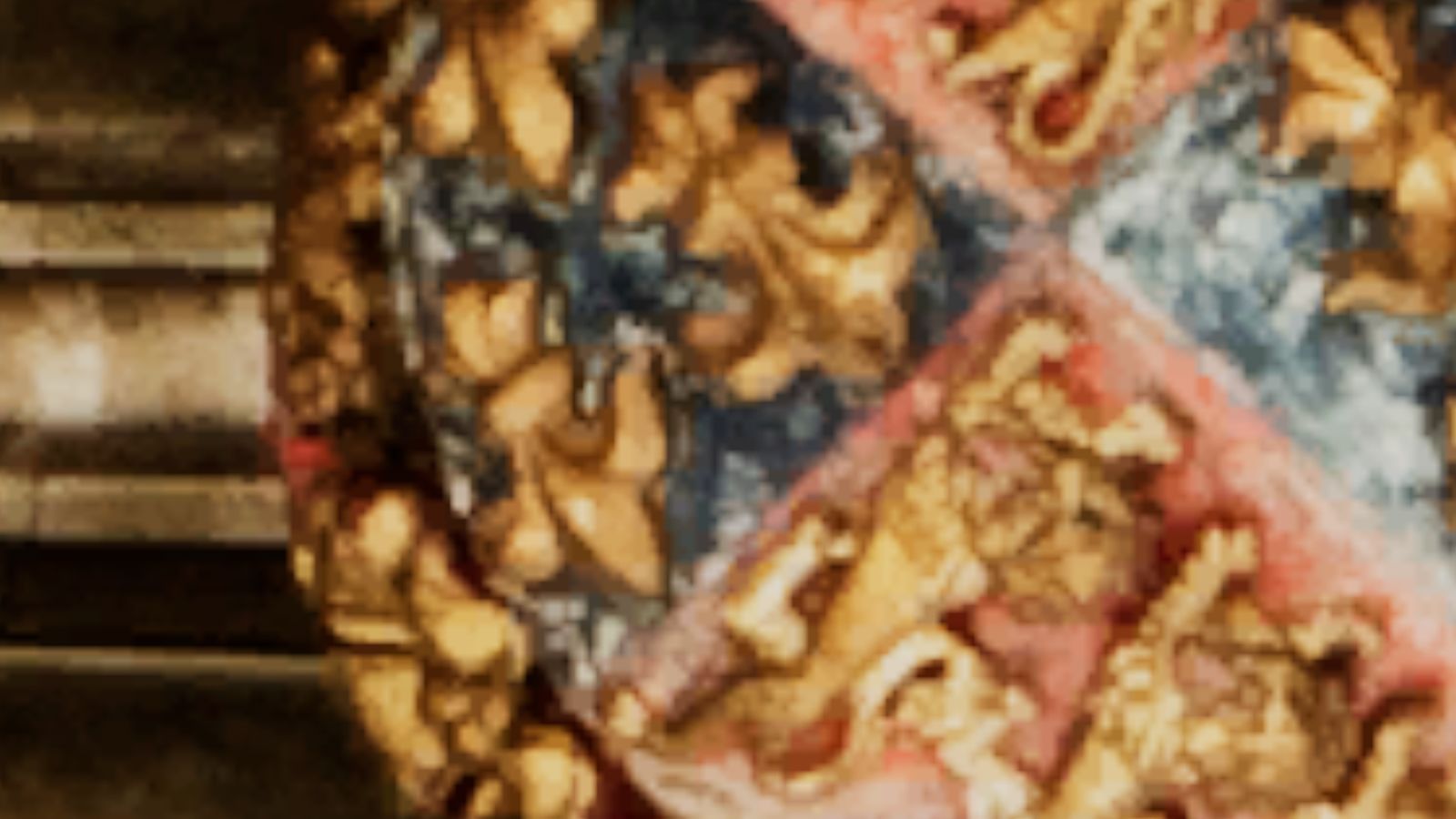
Same view, same texture, same frame. The left is the texture as the engine shows it; the right is the texture with DeepTexel.
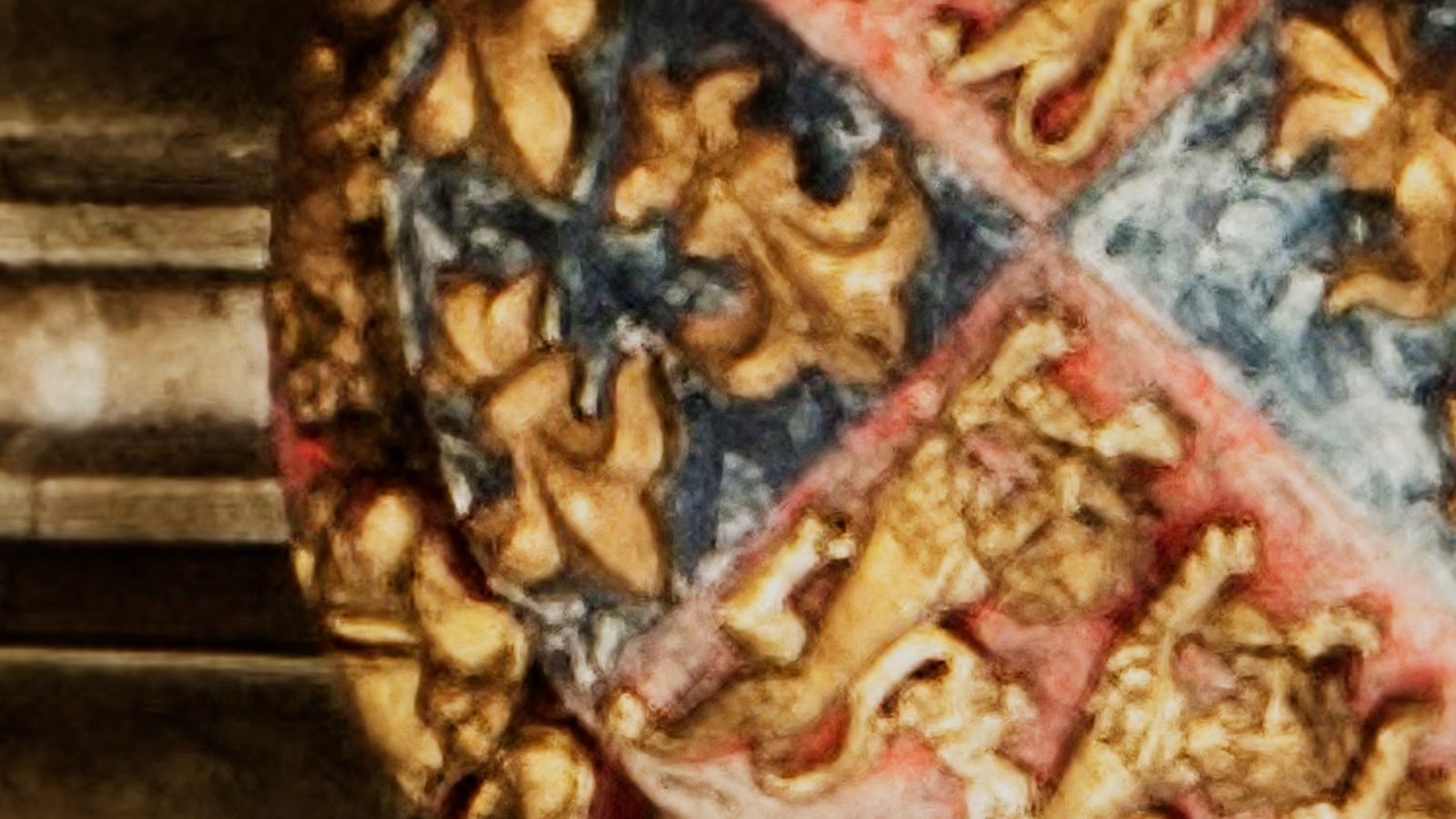
 Standard texture
With DeepTexel
14× the texture's real resolution
Canterbury Cathedral, tower ceiling. Photo: Michael D. Beckwith, CC0
How far can you zoom in?
All the way to 1,024×
Frames from one continuous dive. In each, the left half is the standard texture and the right half is DeepTexel. Past about 30× the standard texture is a smooth blur; DeepTexel keeps painting.
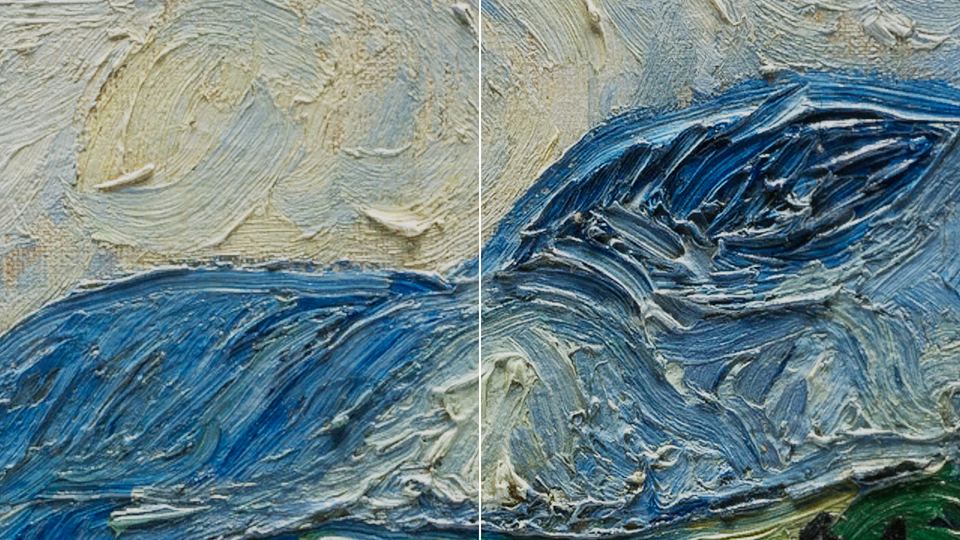 4×
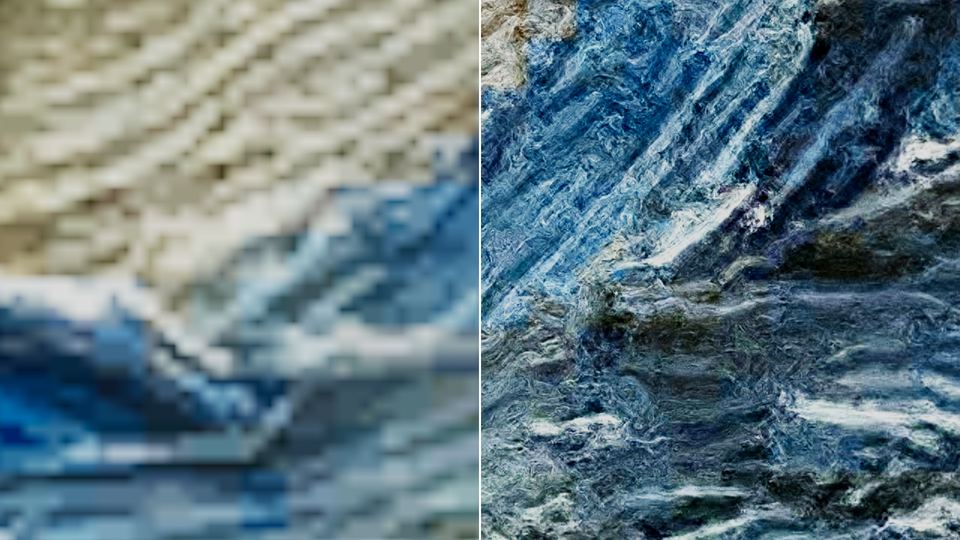 32×
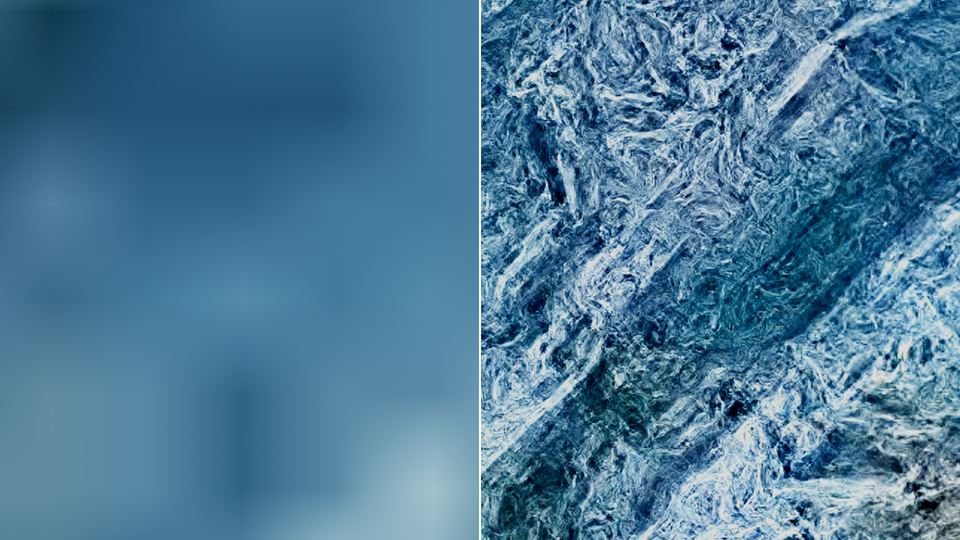 256×
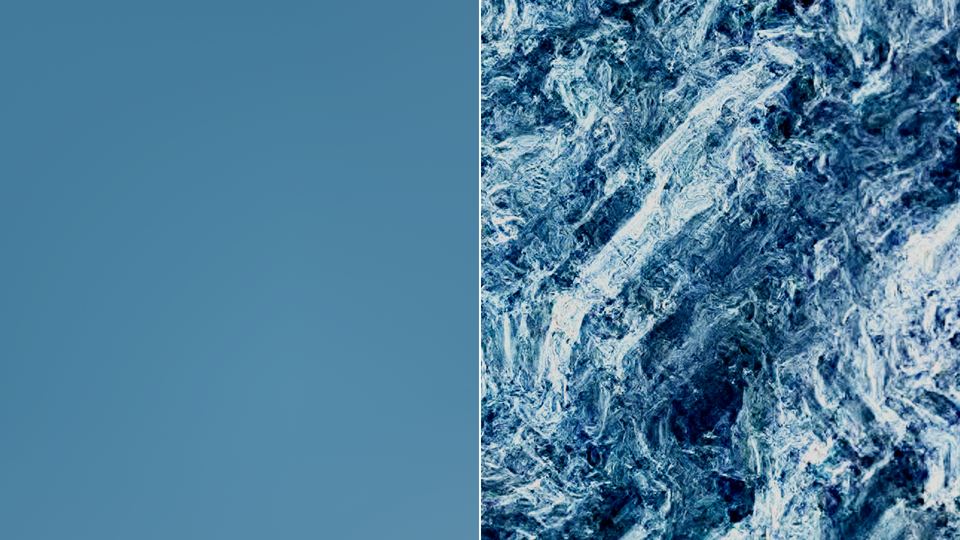 1,024×
Trailer
See it move
How it works
Every texture is its own best reference
Real-world surfaces and artwork look alike across scales: a brush stroke contains smaller strokes, a rock face contains smaller cracks. DeepTexel uses that.
Right-click, generate
In the editor, right-click a texture and choose Generate DeepTexel Pack. In under a second the GPU clusters 320,000 example patches from the texture into a pack of about 2 MB.
Look closer
When the view magnifies the texture past its resolution, the component builds the next 2× level around the point you're looking at, matching each patch against the texture's own examples and copying their fine detail.
Keep going
Level by level, up to ten levels (1,024×), each in about 0.13 s. Back-projection keeps every level faithful to the pixels above it, so from further away the texture looks exactly as before.
No AI model
No network, no training data, no extra art. The detail comes from your texture alone, and the same spot always gets the same detail.
Within a 2 ms budget
Detail is built on the GPU through Unreal's render graph, inside a measured per-frame budget, and only while a level is being built.
Drop-in
A component and a material function. Works with your own meshes and lit or unlit materials. Ready-made framed picture actor included.
Only where you look
Components wake when the camera gets close and release their GPU memory when you move on. Idle textures cost nothing.
Safe on any GPU
It measures its own GPU time and switches itself off on GPUs too slow for it, falling back to the plain texture.
Sample included
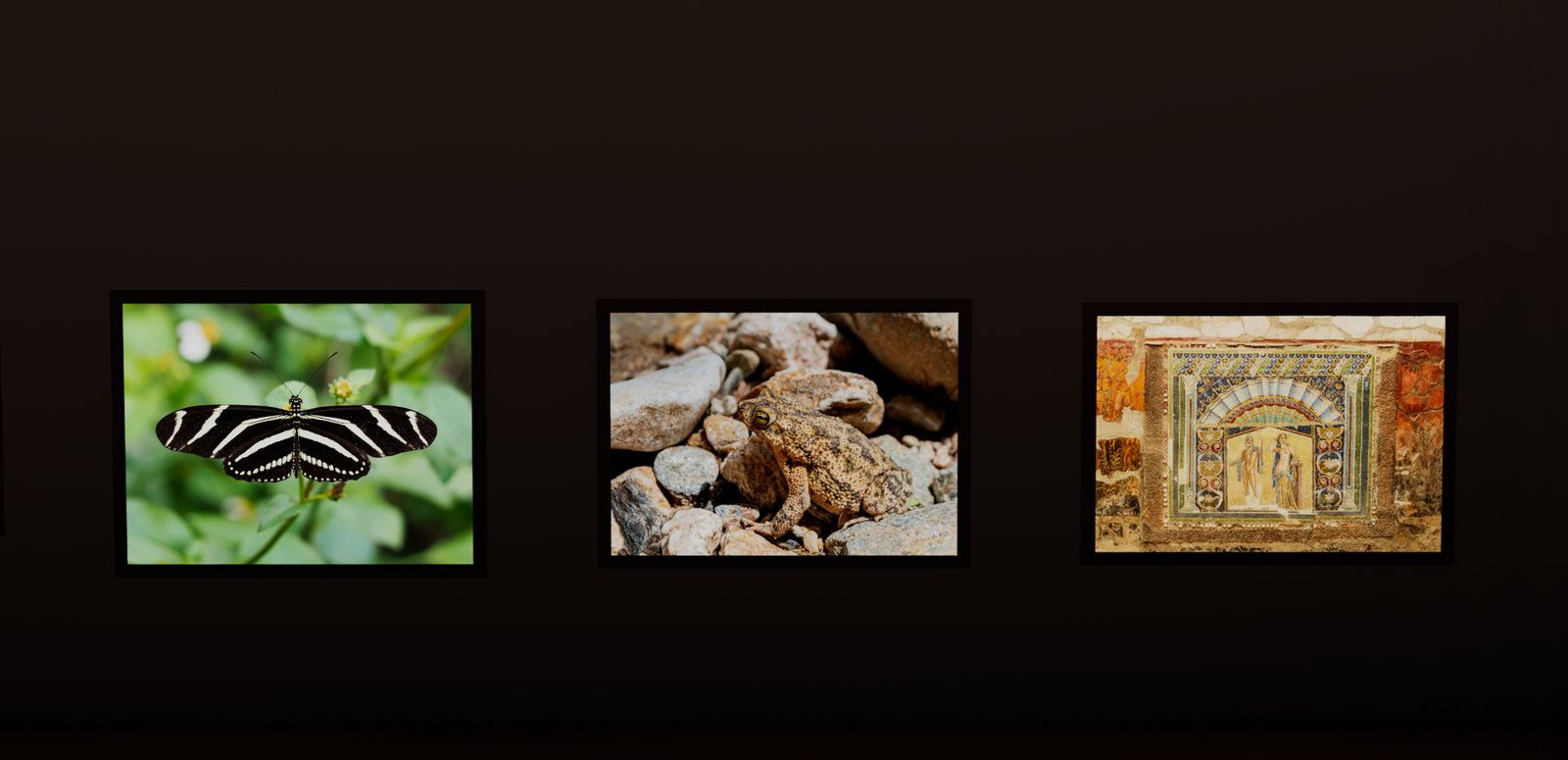
A sample map with a fly-through viewer: glide right up to a mosaic and a stone block, and press F to compare.
DeepTexel 1.0
$49.99
Coming soon to Fab
- Unreal Engine 5.8
- Windows (Win64), DirectX 12, Shader Model 6
- Tested on NVIDIA RTX 5080 and AMD
- Full C++ and shader source
- Sample map, viewer, documentation